
Add a link when another page helps the reader take the next step or understand a point. Use clear link text, open the destination and check the saved public page. There is no magic number of links to add.
Start with the next question a reader will ask
You finish a post, scroll to the end and find nowhere useful to go. The blog has more answers, but the reader has to hunt for them. Internal links are simply links between pages on your own site. Their first job is to make those connections clear.
Choose one post to work on. Read it as someone trying to do the task, and note where they might need a definition, a fuller example or the next step. Look for an existing page that actually provides that help.
A post about checking a blog export could point to a full backup checklist. A post about moving a blog could point to a custom-domain setup guide. The relationship is useful even if you never mention SEO.
Make a small link map
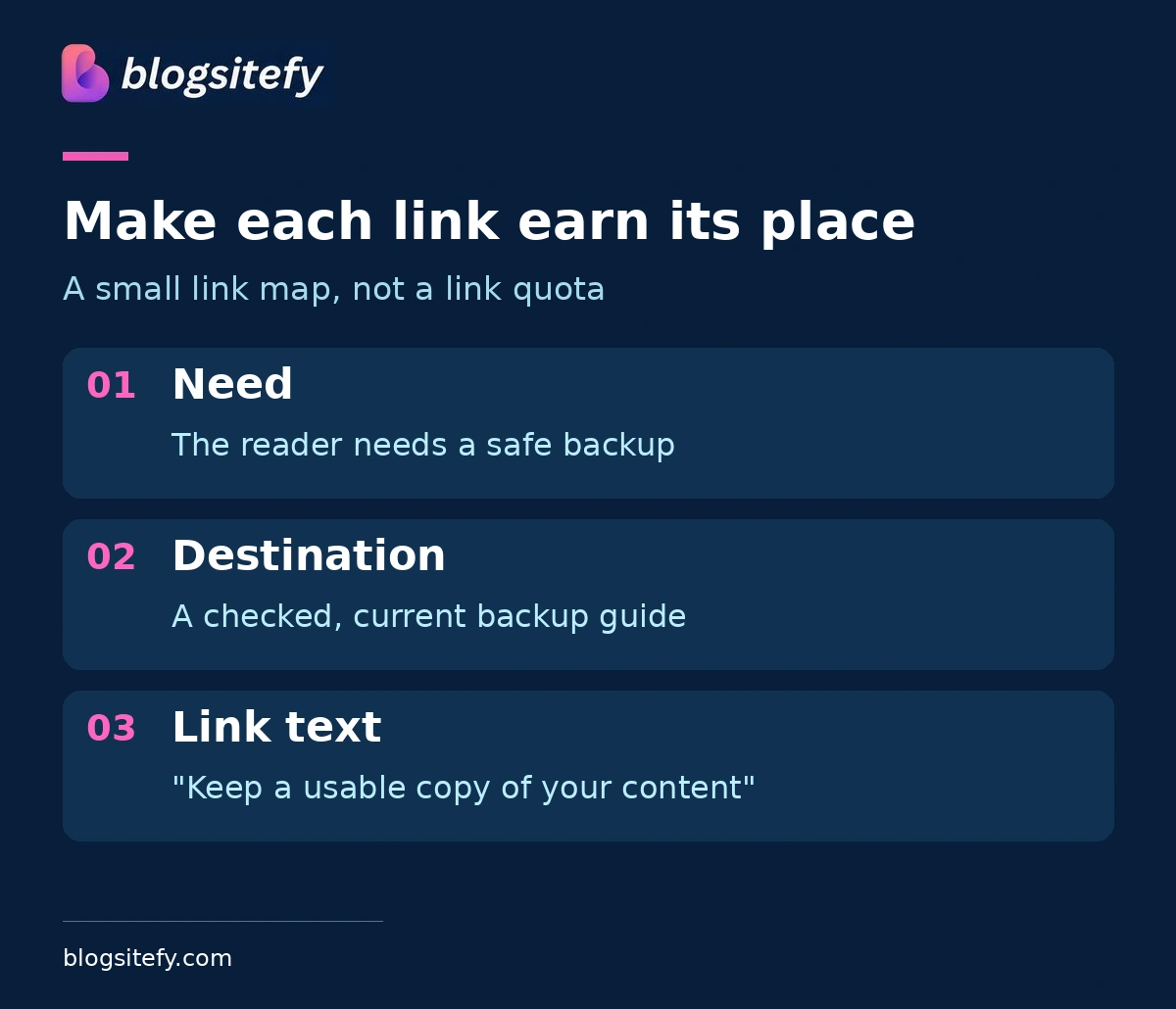
Write a short note with three parts: the sentence where help is needed, the destination page and the words you will make clickable. This is your editing plan, not a requirement to add three links.
Illustrative example: in a migration post, the sentence "Before changing platforms, keep a usable copy of your content" could link the words "keep a usable copy of your content" to the backup guide. A separate domain guide belongs where the article explains keeping the same address, not beside an unrelated introduction.
Do not add a link merely because two pages share a keyword. If the destination changes the subject or repeats what the current paragraph already explains, leave it out.
Illustrative editing plan:
Reader need | Useful destination |
Save a usable copy | Blog backup checklist |
Keep the same address | Custom-domain guide |
Check Google discovery | Indexing checks |
Use link text that sets the right expectation
Google recommends descriptive, reasonably concise link text that is relevant to both pages. "Blog backup checklist" tells a reader more than "click here". The words around the link should also explain why it belongs.
Try reading just the clickable words. Can you make a reasonable guess about the destination? Then read the whole sentence aloud. If it sounds forced, change the sentence rather than packing in another search phrase.
Avoid turning several adjacent phrases into separate links. Give each link room and context. Google explicitly says there is no magical ideal number of links a page should contain.
Check the destination before you save
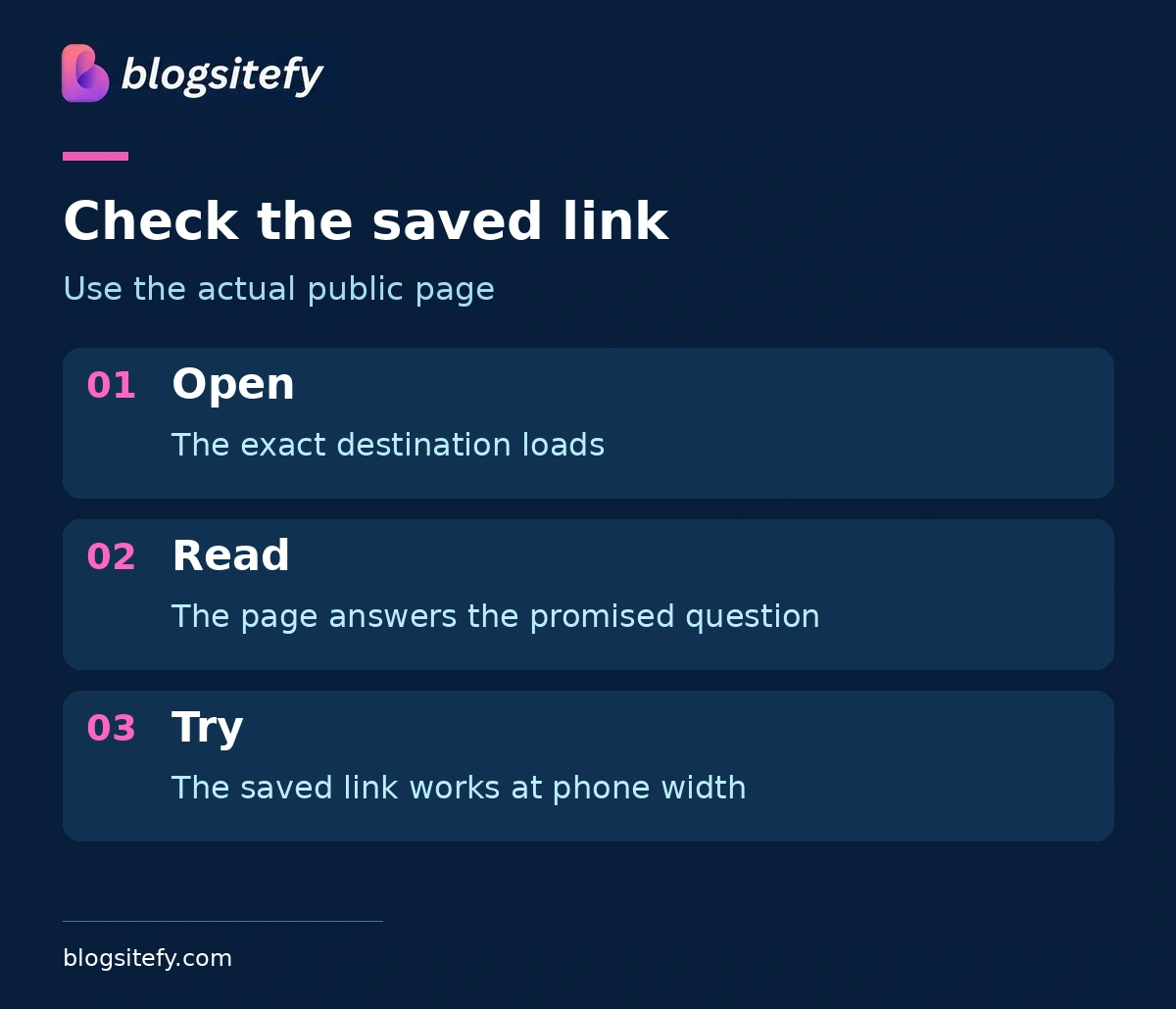
Open the exact address you intend to use. Confirm that the page loads, its title matches your sentence and it answers the promised question. A page that loads but shows the wrong article is still a bad destination.
Use the editor's normal link control. For a standard web link, the published HTML should contain an anchor with an href pointing to a real address. You do not need to write HTML yourself if the editor handles it, but a custom button that only runs a script may not be a reliable substitute.
Keep the edit small. Save, reopen the public post and click the new link there. Check the mobile view too, especially if the link sits in a table or a row of short labels.
Give a new post a route in
Linking out from the new post is only half the connection. Find an older relevant post where a link to the new answer genuinely helps. Google recommends that every page you care about have a link from at least one other page on the site.
That does not mean every article should link to every other one. Start with the best connection, then review related pages as you maintain them. Keep the original URL stable when you are only changing the wording or adding a link.
Links can help people and search engines discover pages; they do not guarantee crawling, indexing or rankings. If a post is missing from Google, use the separate indexing checks rather than treating more links as a guaranteed fix.
Sources
Related reading
Frequently asked questions
There is no ideal quota. Add links where another page supplies useful context or a next step, and remove links that distract or repeat.
Yes, if it is still accurate and useful. Check the actual page before sending readers there.
Choose behavior that fits the reader and your site. Make sure the destination and surrounding words are clear, whatever tab behavior you use.
They can help discovery, but they do not guarantee indexing. Use Search Console to inspect the specific address if indexing is the concern.
Share this post