
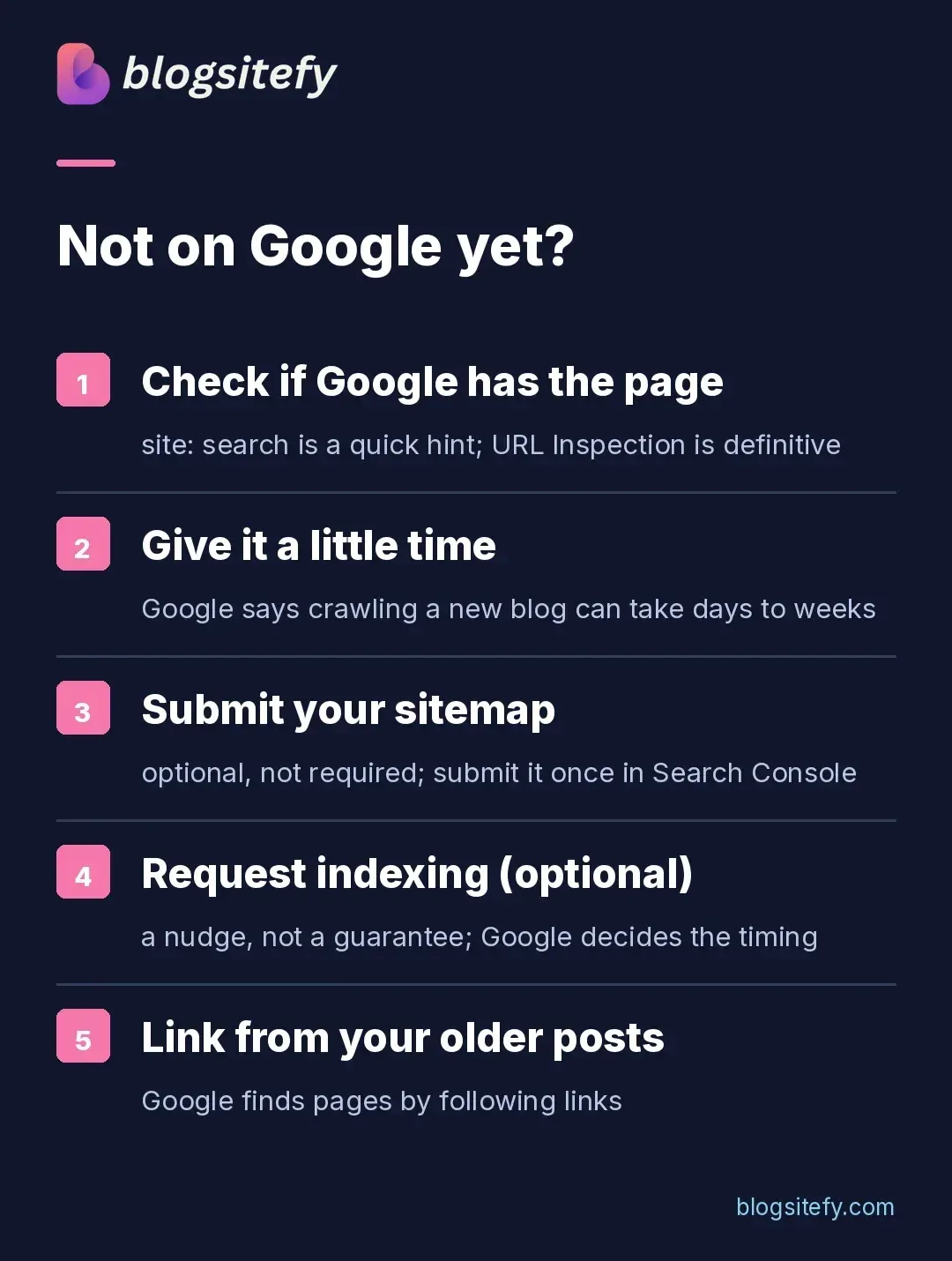
The short answer: work through the checks below to find the cause. Paste the post's address into the URL Inspection tool in the free Google Search Console for a definitive index check. A site: search alone can miss pages. If the post is not indexed yet, submit your sitemap and give Google time to crawl a new blog, which can take days to weeks; indexing is never guaranteed. Each fix is below.
You hit publish, waited a day, then searched for your post on Google. Nothing. Not on page one, not on page ten. This post walks you through finding out what is wrong and fixing it, step by step.
Start here: find your situation
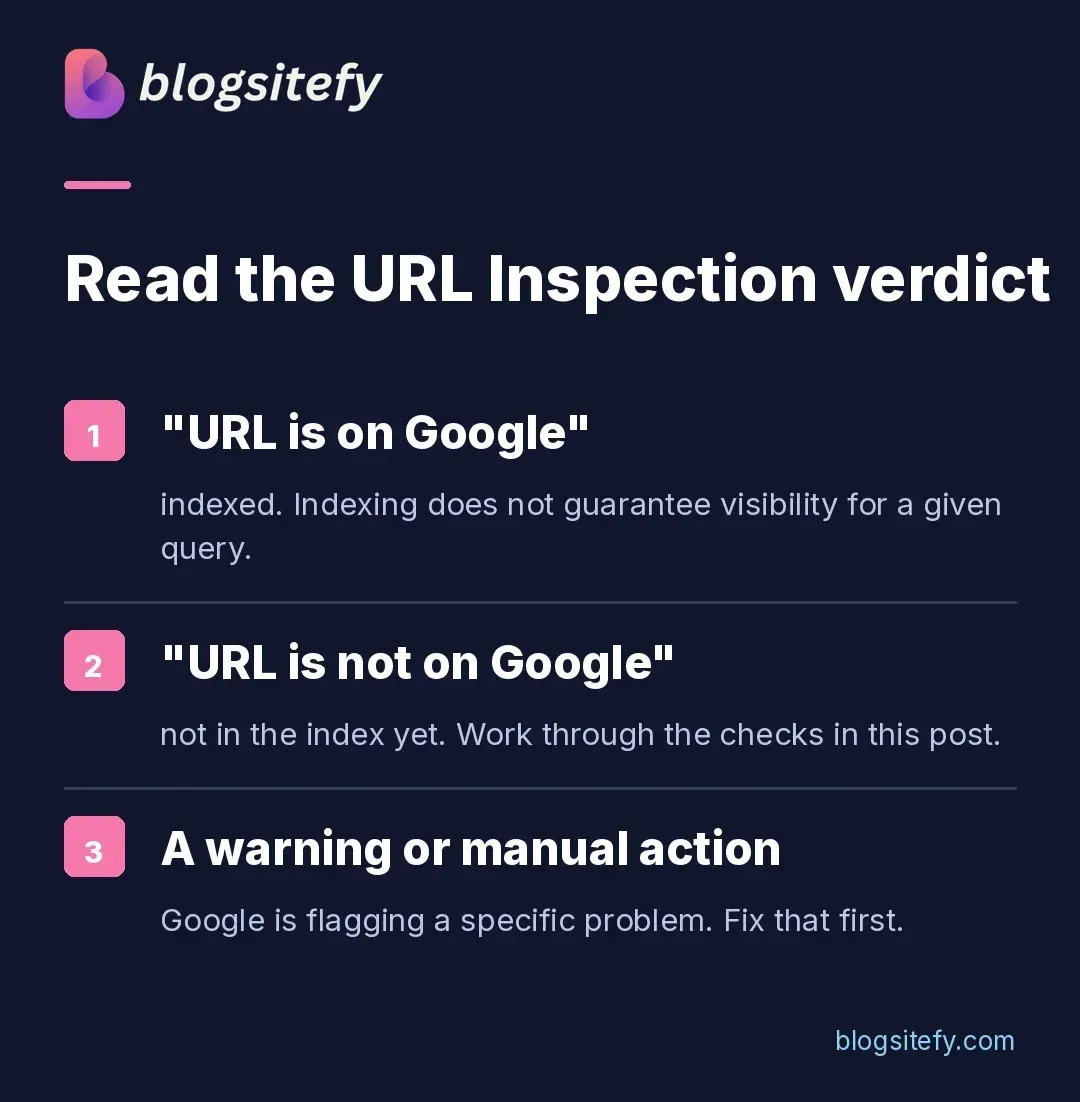
What you see | What it means | Where to start |
URL Inspection: address not on Google | Not in the index yet | Search Console setup below |
Post went up in the last few days | Crawling may still be in progress; Google says days to weeks | Give it a little time |
Indexed, but not showing for its topic | Indexing does not guarantee visibility for a given query | If it is indexed but still not showing |
Warning or manual action | Google flagged a specific problem | Fix that warning first |
First, check if Google knows your post exists
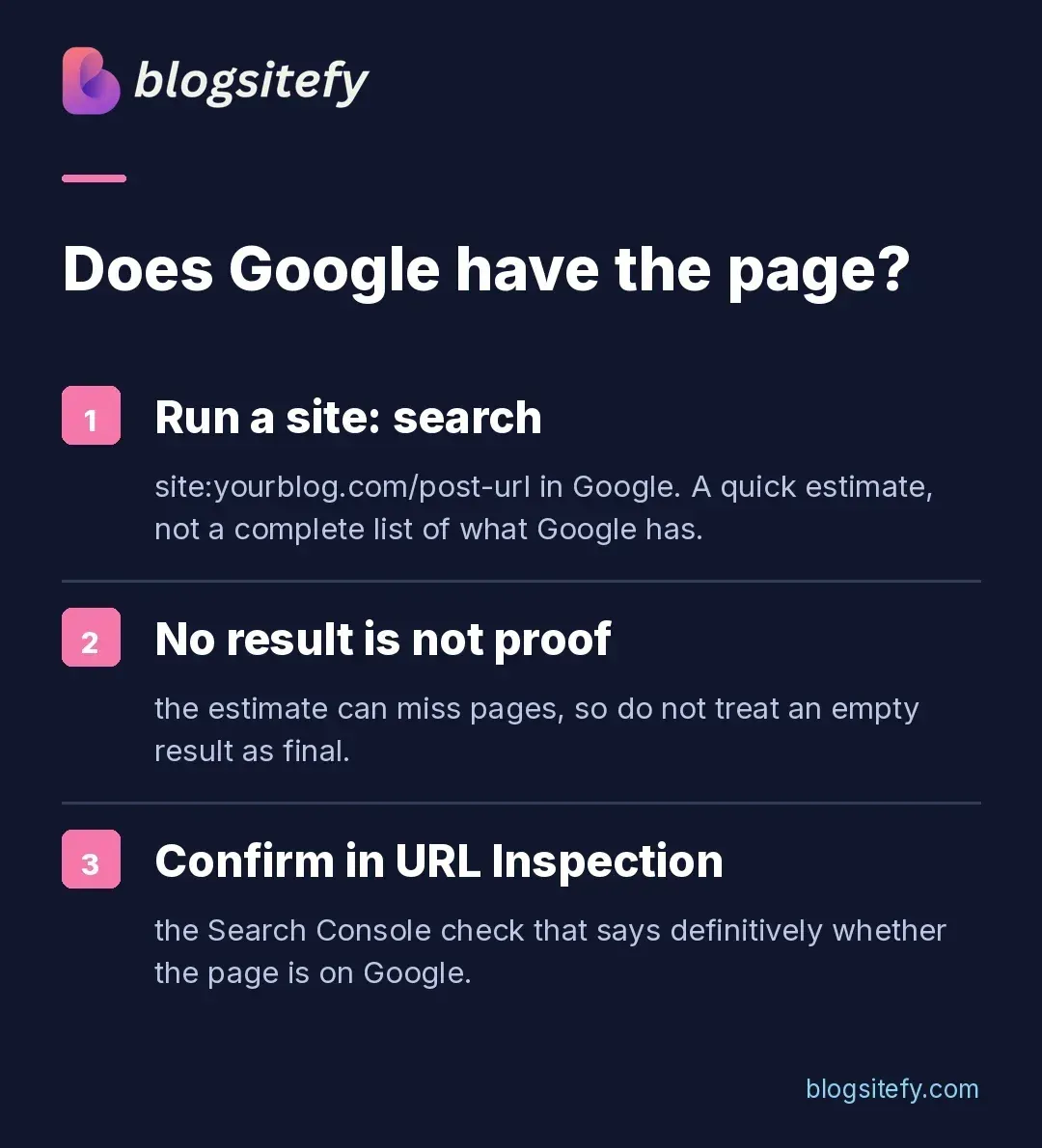
Search Google for site: followed by your post's full web address. Say your blog is trailbites.com and the post lives at trailbites.com/blog/hiking-snacks. You would type this into Google:
site:trailbites.com/blog/hiking-snacks
If the post appears, it is indexed. Indexing does not guarantee visibility for a given query; the remaining work is ranking. If nothing appears, that search alone cannot tell you whether the page is indexed. Check URL Inspection.
One caveat: a site: search is a quick estimate, not a complete list of every page Google has indexed. For a definitive answer on one address, use the URL Inspection tool in Search Console, covered below.
Give it a little time
Google says crawling a new post can take days to weeks, and it never guarantees the post will be indexed. Even when you ask Google directly, it does not promise a faster crawl or a spot in the index. Steady publishing is the other habit worth building for a new blog.
Set up Google Search Console (do this once)
Google Search Console is a free tool from Google, and every check in this post runs through it. Work through it once:
Sign in with a Google account and add your blog as a property.
Verify ownership. The domain method adds a DNS record at your registrar and covers your whole site. Use the URL-prefix method if you can only add a meta tag or file through your blogging tool.
Submit your sitemap under Sitemaps. If you use a platform like WordPress, Wix, or Blogger, it has likely already made one available to search engines; check for yours at yourdomain.com/sitemap.xml. A sitemap is simply a file that lists the pages you want search engines to know about.
If you want to nudge Google after publishing, you can open the URL Inspection tool, paste the post's address, and click Request indexing. It is optional, and Google does not promise faster inclusion.
Prefer to watch instead of read? Google's own URL Inspection training video walks through the exact same flow.
One post, one topic
Choose one clear question a reader needs answered. Use a descriptive title and helpful headings, and write naturally rather than repeating a phrase to meet a quota. For the hiking snacks post, that phrase might be "easy snacks for long hikes", not "hiking" and not "food".
Link to the new post from your other posts
Google finds pages by following links. Links from your other posts give Google more ways to find the new one. Add a link from two or three older posts where it fits naturally. If you publish the hiking snacks post, link to it from your trail-food and beginner-hiking posts where the topic already comes up.
Make sure the basics are not broken
A post set to "noindex" tells Google not to index it; if it was indexed before, Google drops it from results after the next crawl. Check your post settings.
A missing or duplicated meta title makes the post harder to understand. Metadata control is one of the SEO features worth checking when you pick a platform.
If it is indexed but still not showing
Then the post is indexed. Indexing does not guarantee visibility for a given query; what remains is ranking work. First check Search Console for warnings or manual actions. If all is clear, search your phrase and read what is on page one. Write the post that answers the question more clearly and more completely than what is already there.
Watch progress in Search Console
Search Console is where the fix becomes visible. The Pages report lists which of your addresses are indexed and gives reasons for the ones that are not. URL Inspection shows the status of a single address. The Performance report shows which searches displayed your posts and whether anyone clicked.
For a new blog, checking once a week is a reasonable rhythm. If the Pages report gives a specific reason a post is not indexed, that reason is your next fix.
Where this advice comes from
Key sources used in this post:
Google Search Console: the free dashboard used in the checks above.
site: search operator documentation: why a site: search is an estimate, not a full index list.
Sitemaps overview: what a sitemap is and how to submit one.
Ask Google to recrawl: what requesting indexing does and does not promise.
URL Inspection training video: Google's own walkthrough of the URL Inspection tool.
FAQs
There is no fixed time. Google says crawling can take a few days to a few weeks, and inclusion in search results is never guaranteed. You can request indexing in Search Console, though Google does not promise it will be faster.
A simple file that lists the pages on your site so search engines can find them. If you use a platform like WordPress, Wix, or Blogger, it has likely already made one available; check for yours at yourdomain.com/sitemap.xml.
No. Search Console is free and covers indexing. Paid tools help with research, but they are not required to show up on Google.
Sharing can help readers find the post, but it does not guarantee indexing. Use Search Console to inspect the URL and request indexing if appropriate.
Share this post